
How to Instantly Save Songs From Instagram to Your Spotify Library
Ever stumbled upon a great track while browsing Instagram and wished you could save it directly to your Spotify? With Instagram’s latest updates, you can now seamlessly transfer songs from your feed, reels, or stories straight to your Spotify library—no need to memorize song titles or artist names!
Steps to Save Instagram Songs to Spotify
Find the Song:

Scroll through Instagram as usual. Whether you’re watching stories, reels, or exploring posts, keep an ear out for a track you love. When you find one, tap the music icon located near the song title and artist at the bottom of the reel or post.
Add to Spotify:
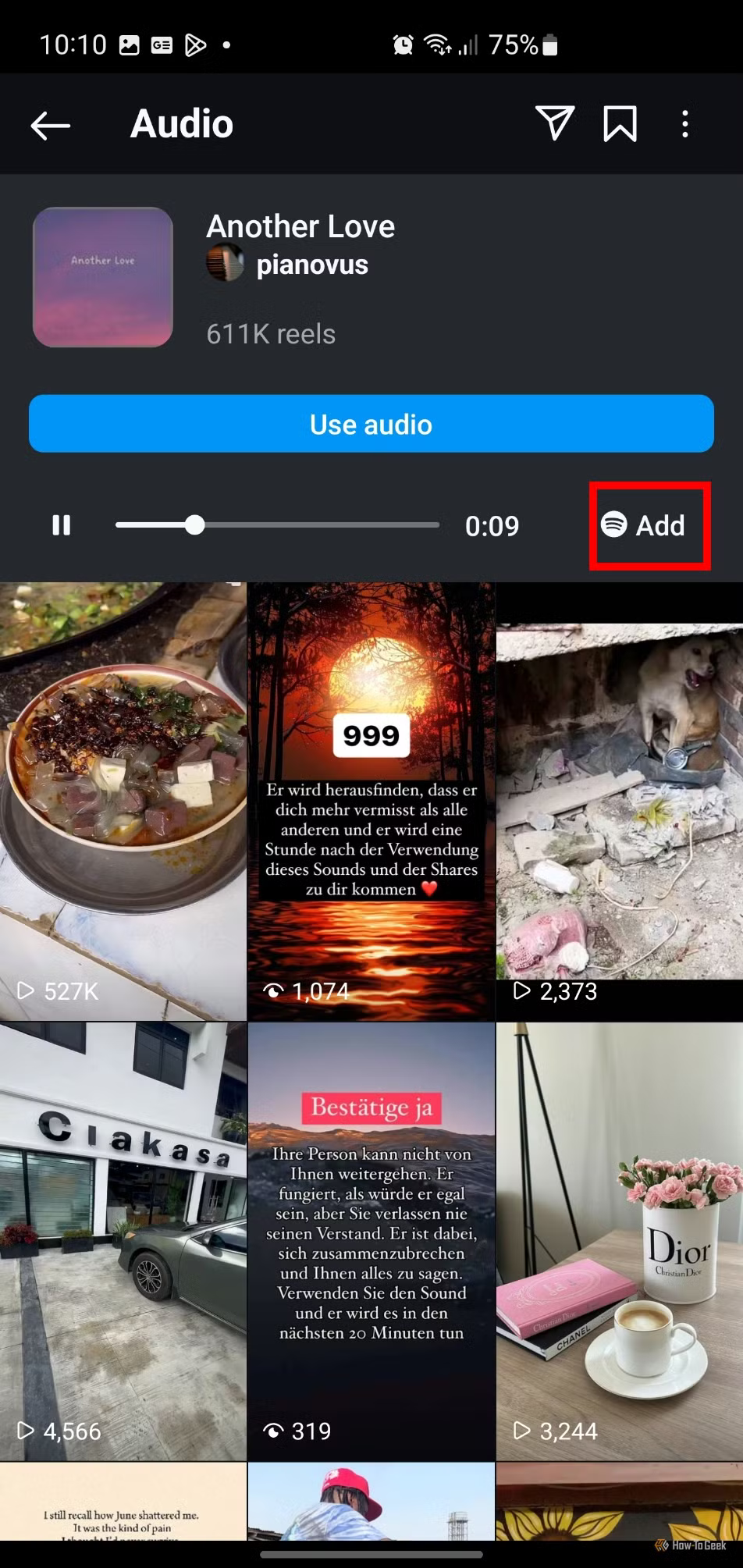
After tapping the music icon, a new page will open displaying the song details. Look for the Spotify logo with a button that says “Add”. Tap it to start the process.
Link Your Spotify Account:
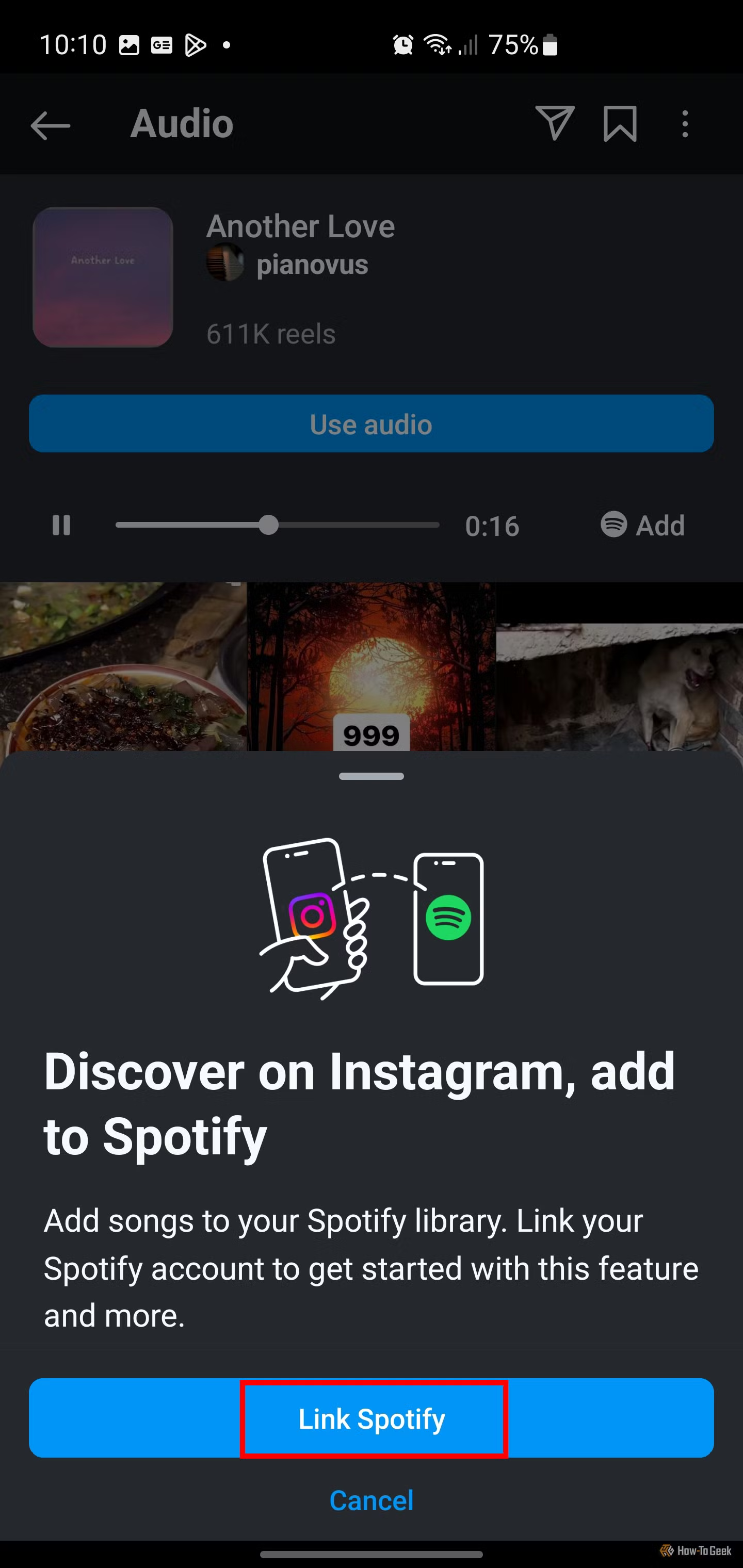
If it’s your first time using this feature, Instagram will prompt you to link your account to Spotify. Simply follow the instructions:
-
- Tap “Link Spotify”.
- Log in to your Spotify account through the pop-up window.
- Agree to the terms, and you’re all set!
Save Your Song:
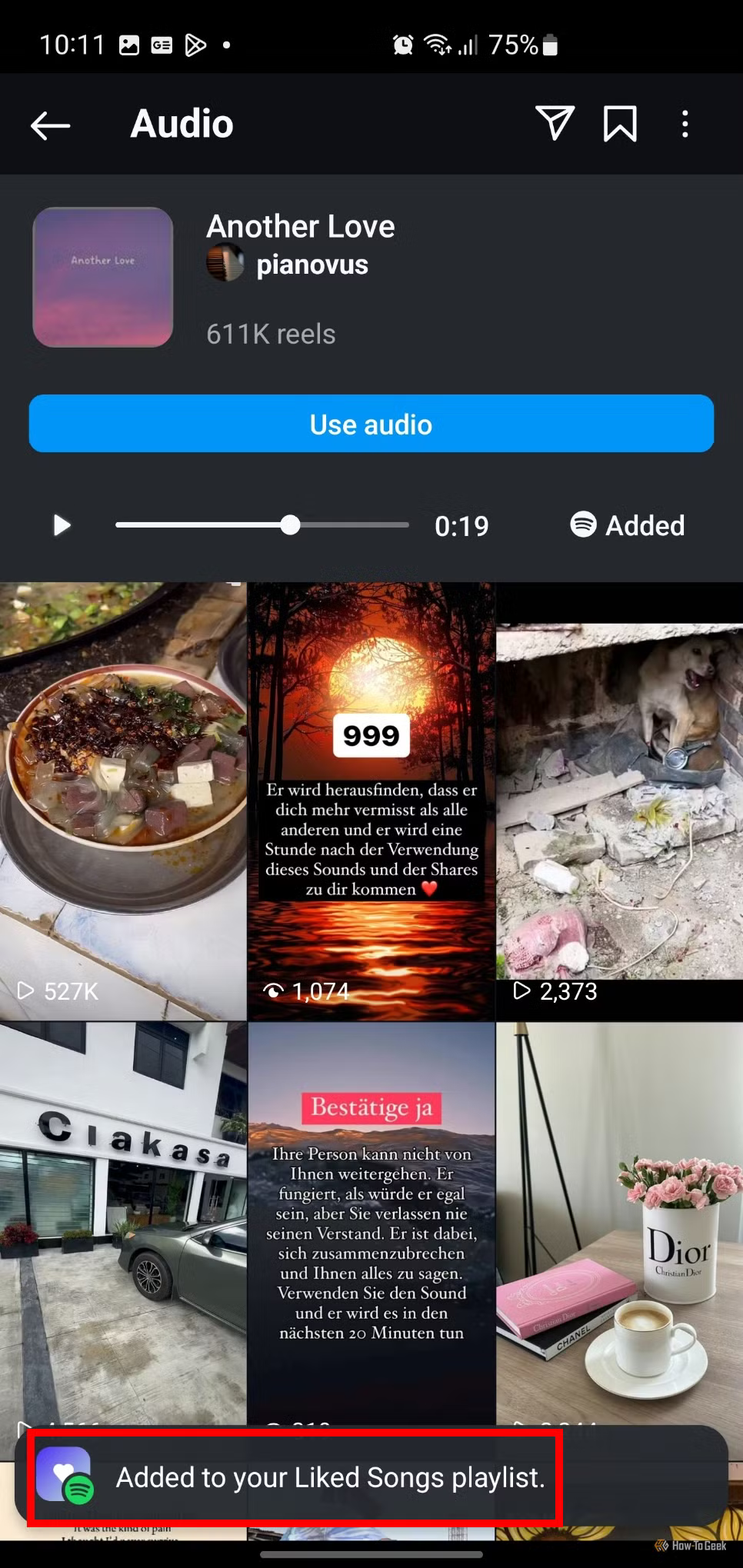
Once linked, the Spotify button will switch to “Added”, confirming that the song is now saved in your Spotify library.
Important Tips:
- Default Playlist: At the moment, Instagram automatically adds songs to your “Liked Songs” playlist in Spotify. You can’t choose a specific playlist for saving tracks—yet.
- Streamlined for Music Discovery: This feature makes it easier than ever to curate your collection of favorite tracks without juggling between apps or manually searching on Spotify.
Next time you hear a song that resonates while scrolling through Instagram, you’ll know exactly how to save it. With just a few taps, that track can live forever in your Spotify library, ready to soundtrack your next adventure.
Related News


Latest News
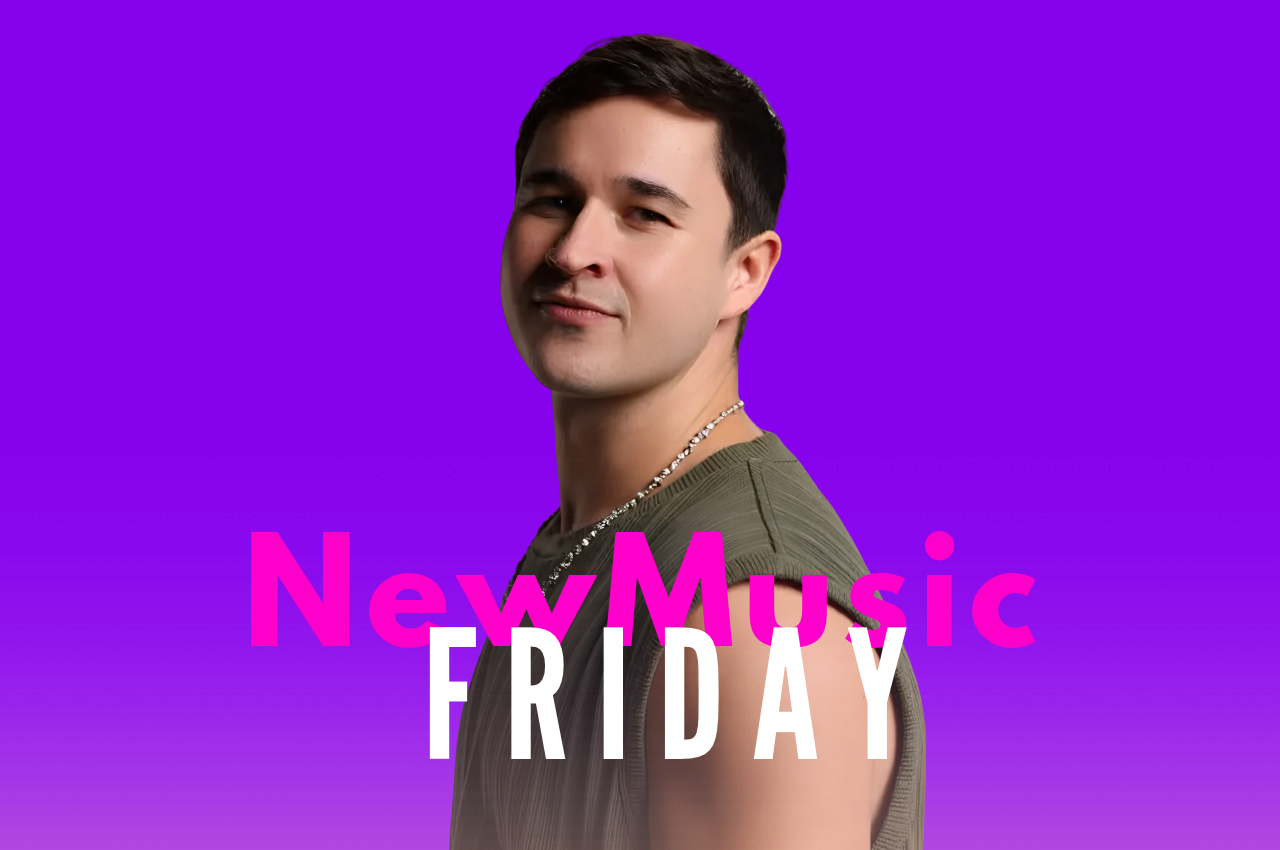
New Music Friday: 36 Electronic Tracks to Hear This Week (October 30, 2026)
Oct 30
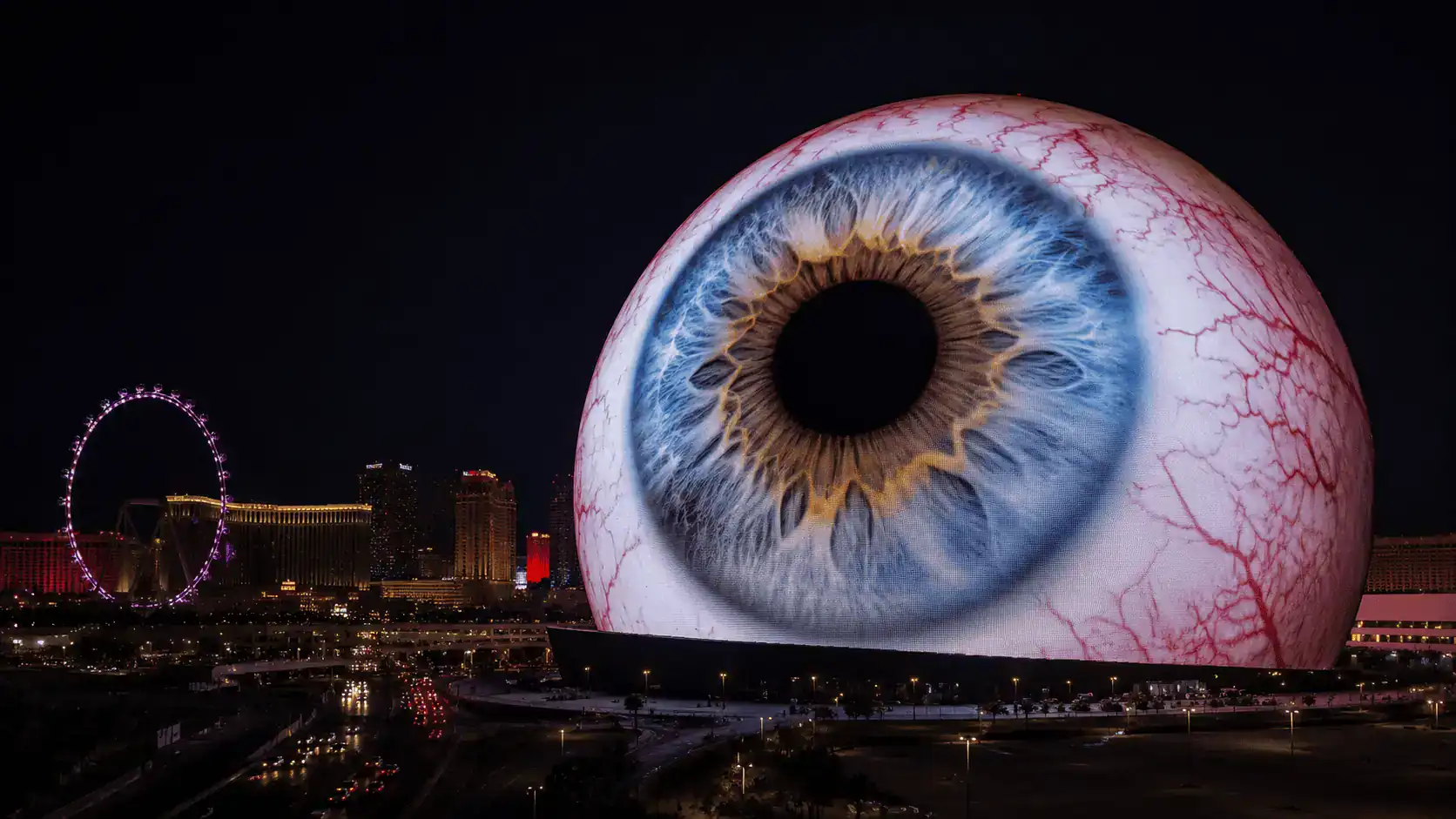
Second US Sphere Officially Moves Forward in Maryland Following $1.4 Billion Project Approval
Oct 29

Digital Deity Turns Y2K Nostalgia Into Atmospheric DnB On “SEQUENCE // LOOP”
Oct 27

Alesso’s Historic Empire State Building DJ Set Is Now Available in Full
Oct 27
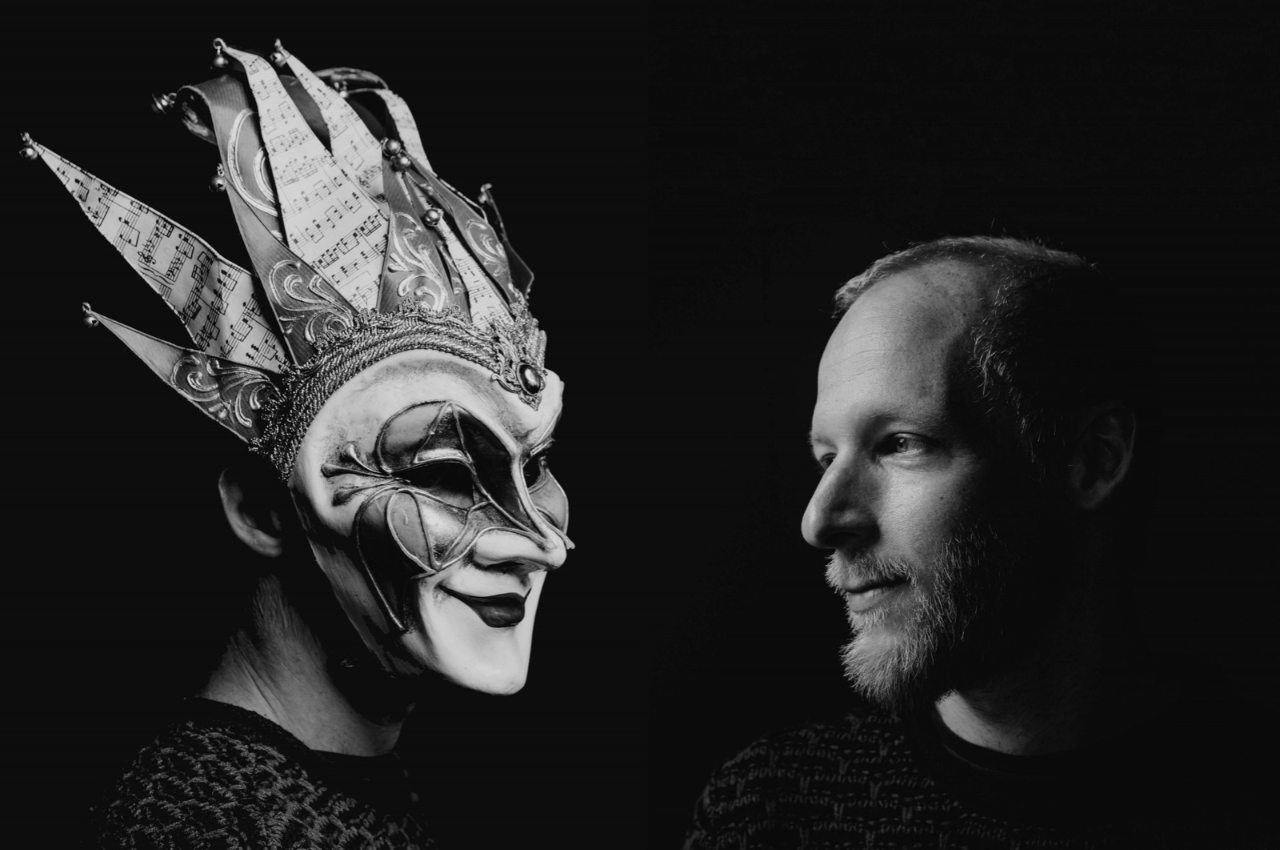
Boris Brejcha Announces Retirement: The Joker Mask to Exit the Stage After 2028 World Tour
Oct 27
Trending
- 01Martron Explores Motivation, Momentum & Creative Possibility On New EP “Drive”Nov 01
- 02ADHD, EDM, and Dopamine: The Science Behind the ConnectionJun 25
- 03Torcha, Skxllflower & Limmz Unleash Dark And Heavyweight New Single “GRAFT” Via DeadbeatsOct 23
- 04Nov 01
- 05ZEDS DEAD Surprise Release New Album, Return To The Return (OF THE SPECTRUM OF INTERGALACTIC HAPPINESS)Jul 01